

Deskball
A downloadable game for Windows and Linux
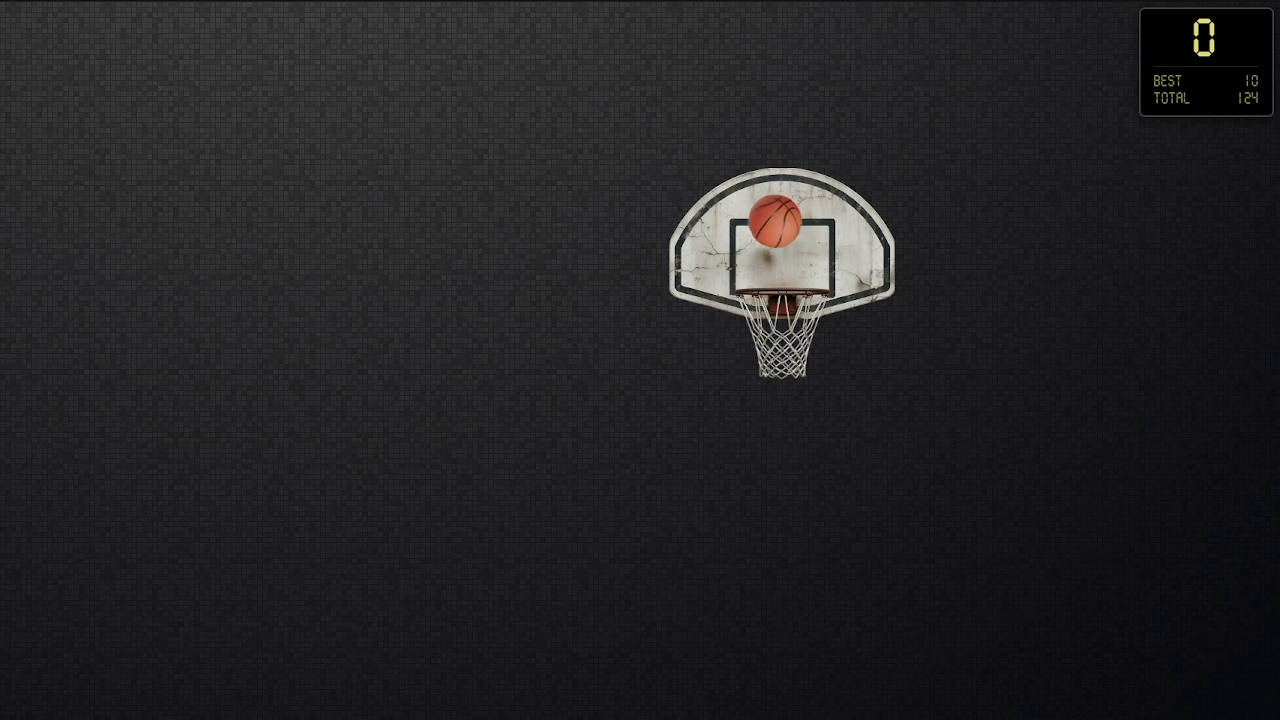
Deskball — a tiny basketball court right on your desktop.
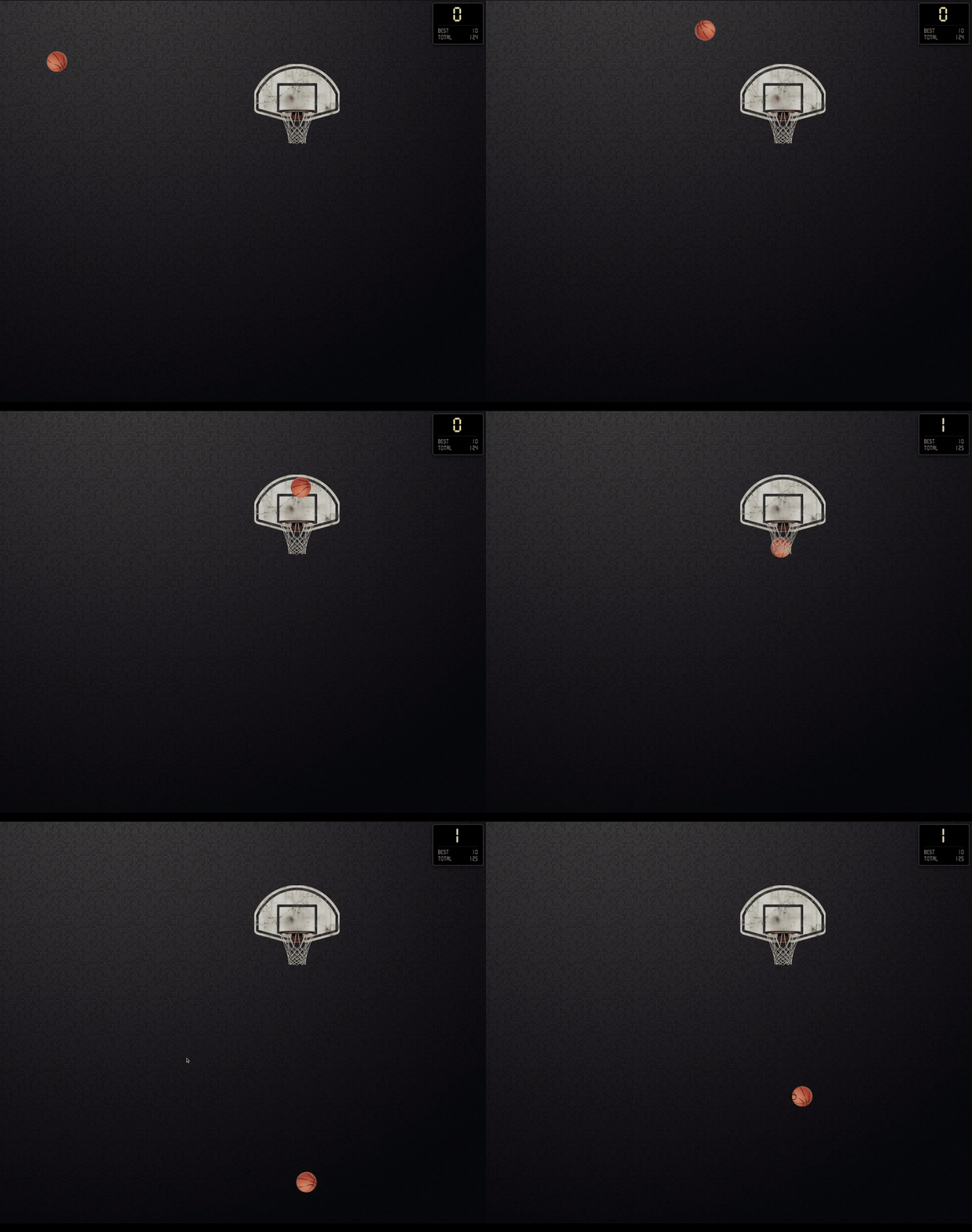
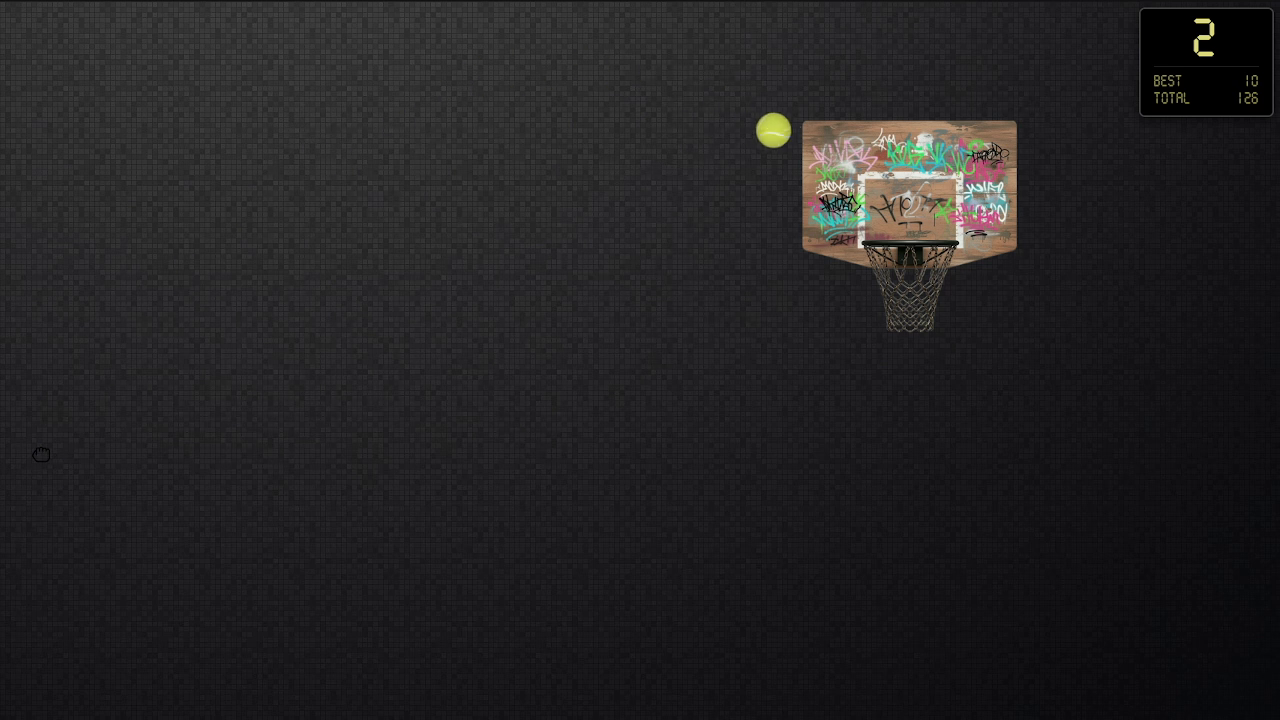
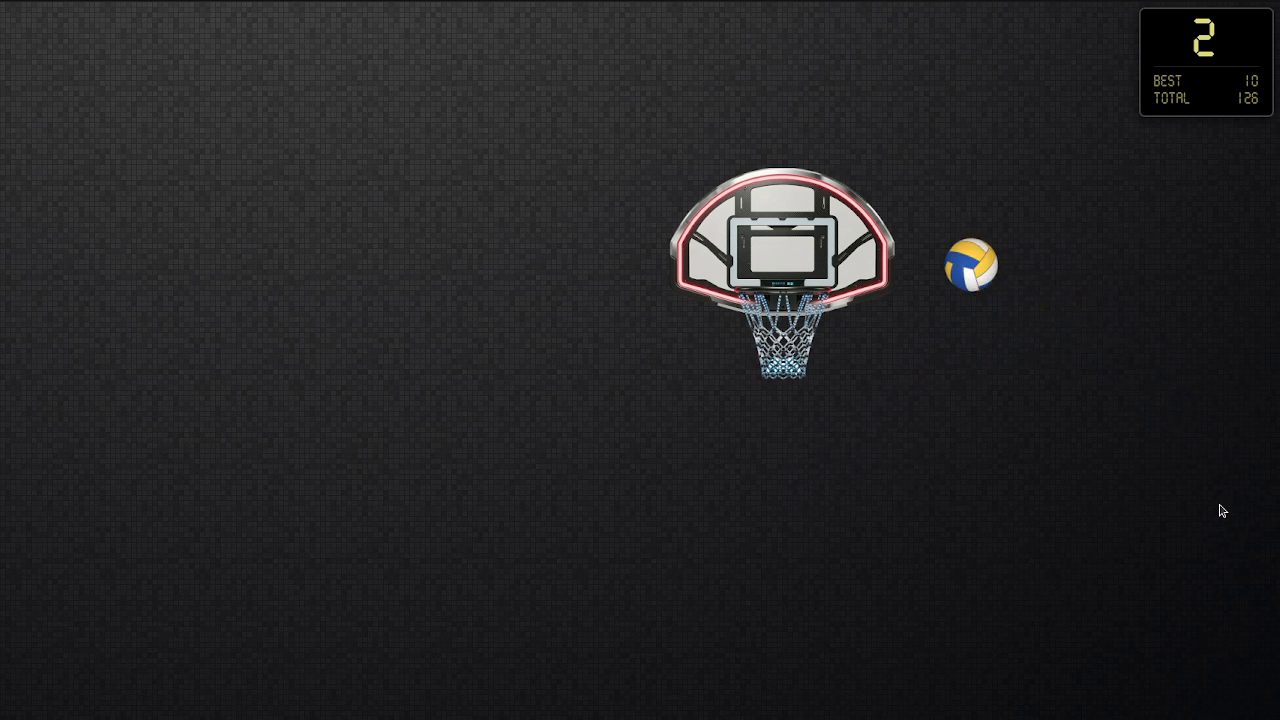
The game opens as a transparent layer over your desktop: grab the ball, flick it towards the hoop, score. Move the hoop anywhere on the screen. When you need your desktop back, minimize Deskball to the tray — the ball will wait for you.
Videos keep playing under the game — watch a movie or YouTube and shoot a few hoops at the same time.
Perfect for phone calls, waiting for downloads, or any moment you need something to do with your hands.
Features
- Physics-based throws — the ball bounces off the rim, walls and floor, squashes on impact, and the net catches it when you score
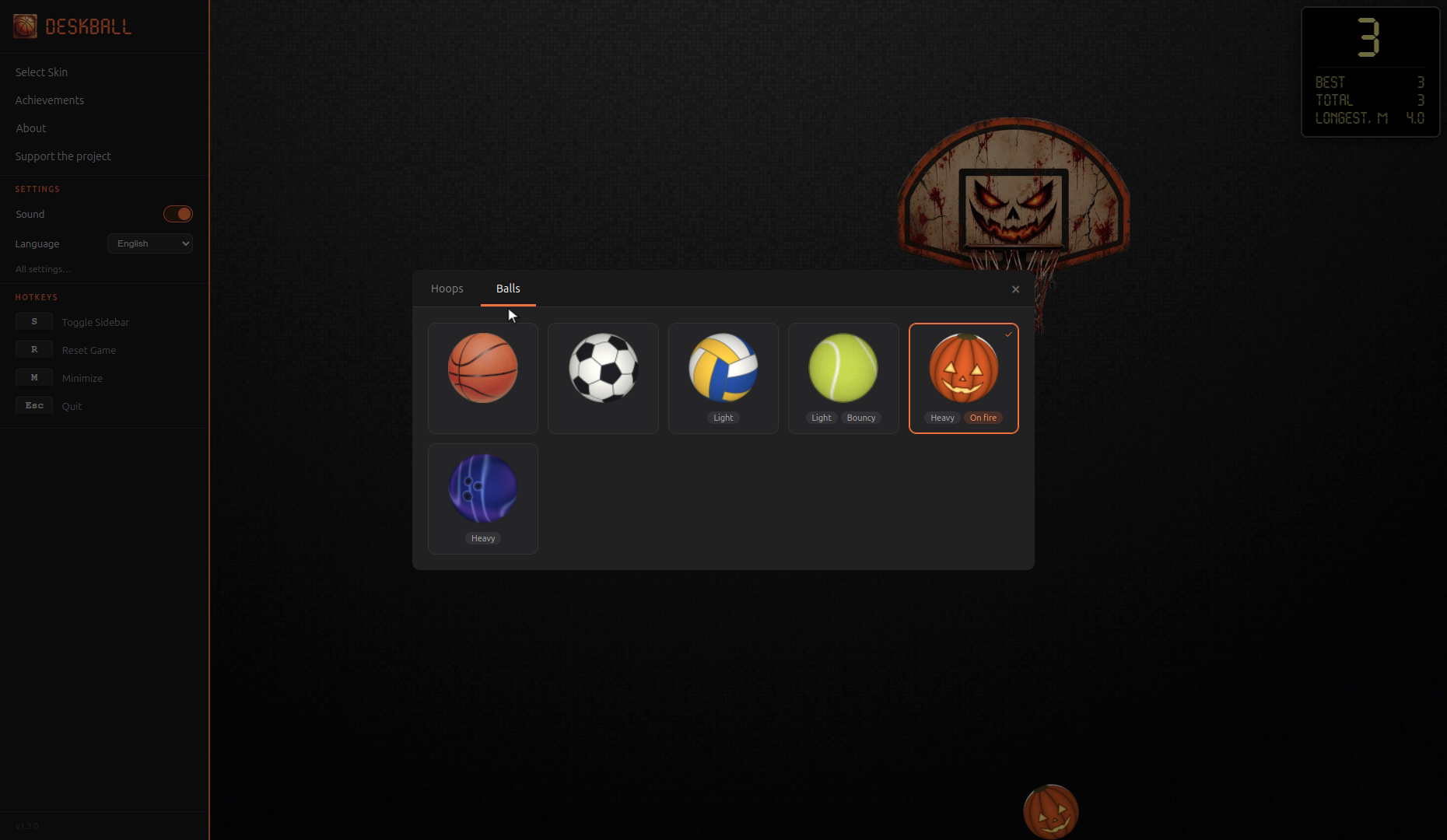
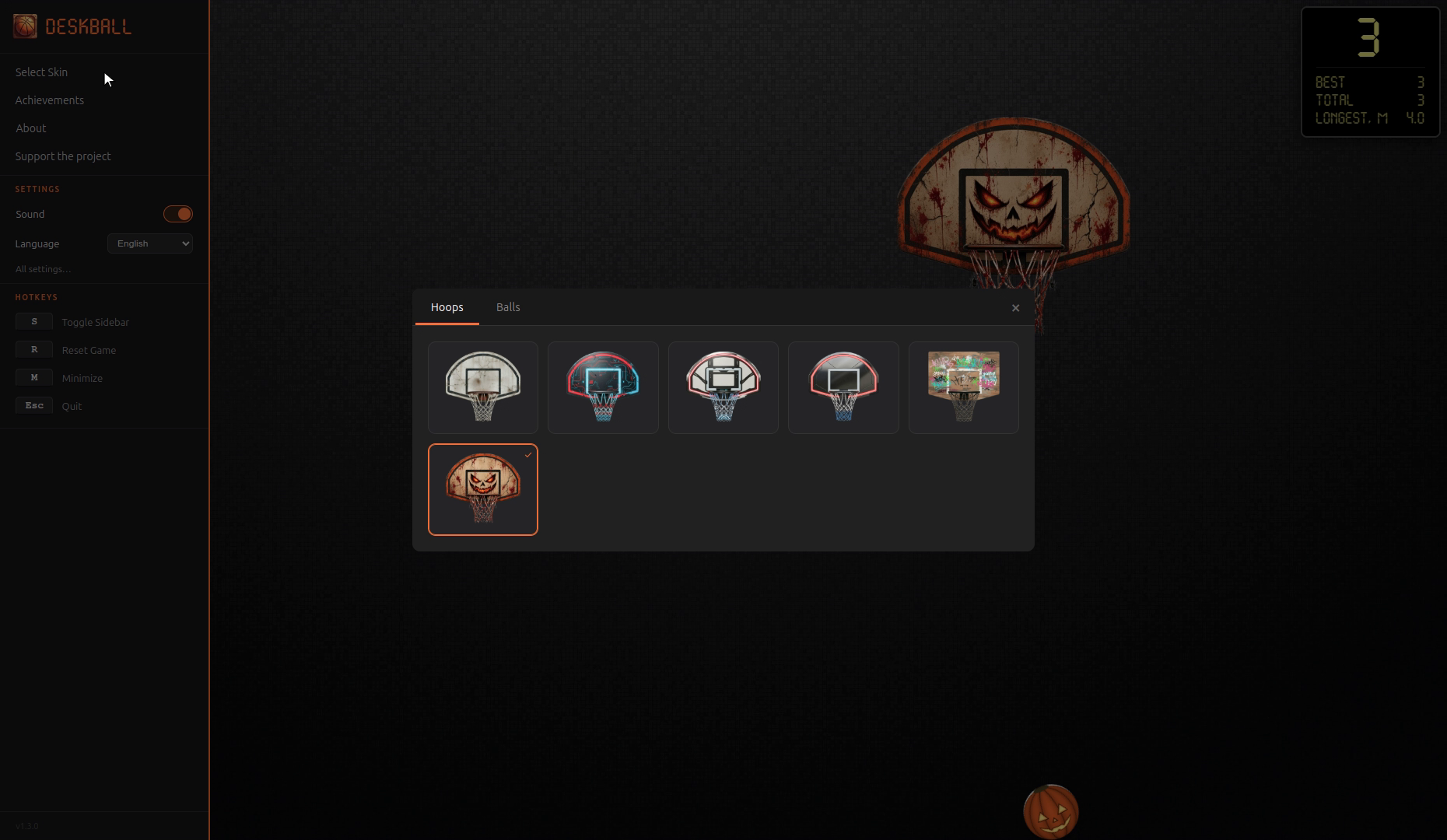
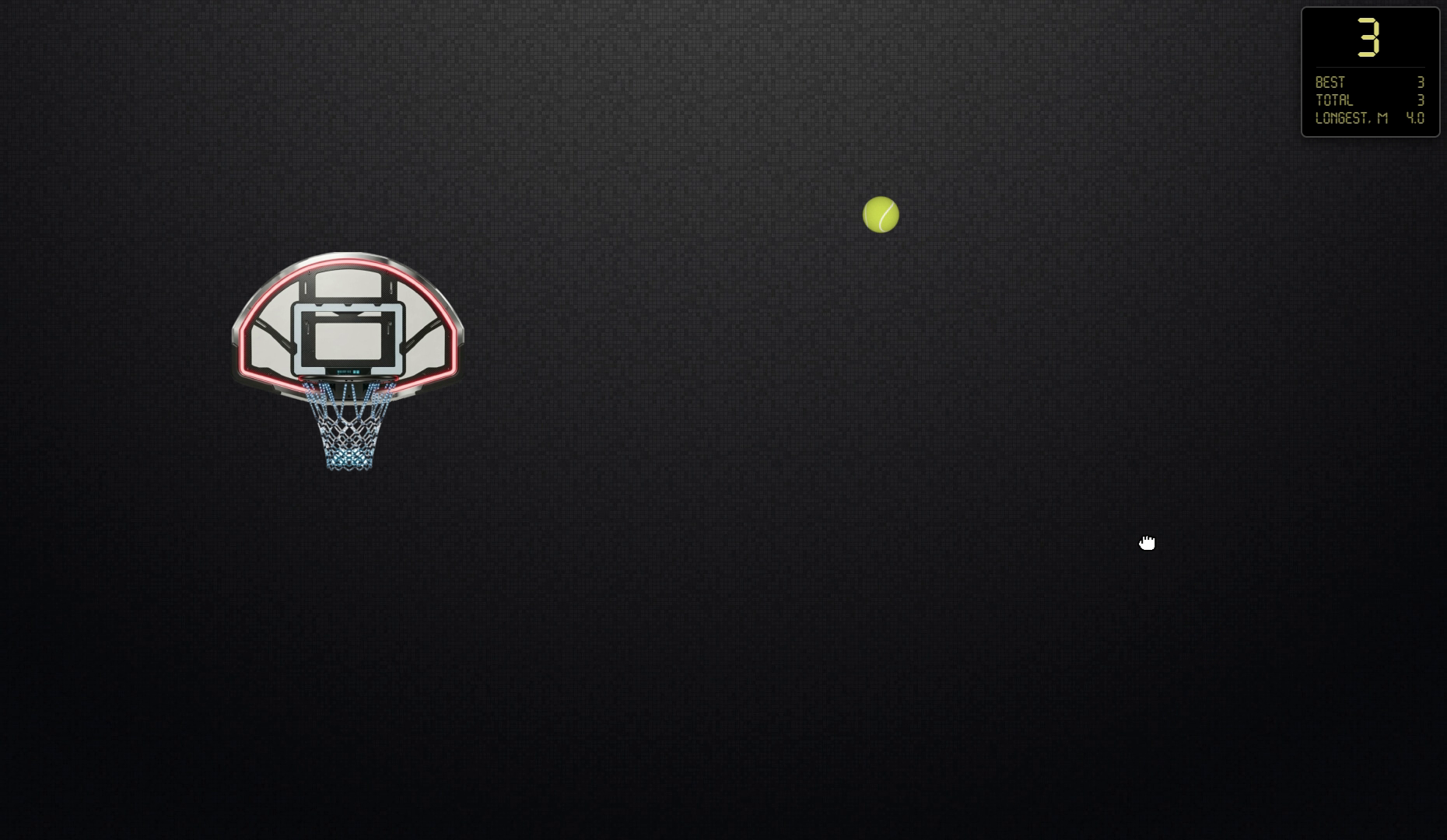
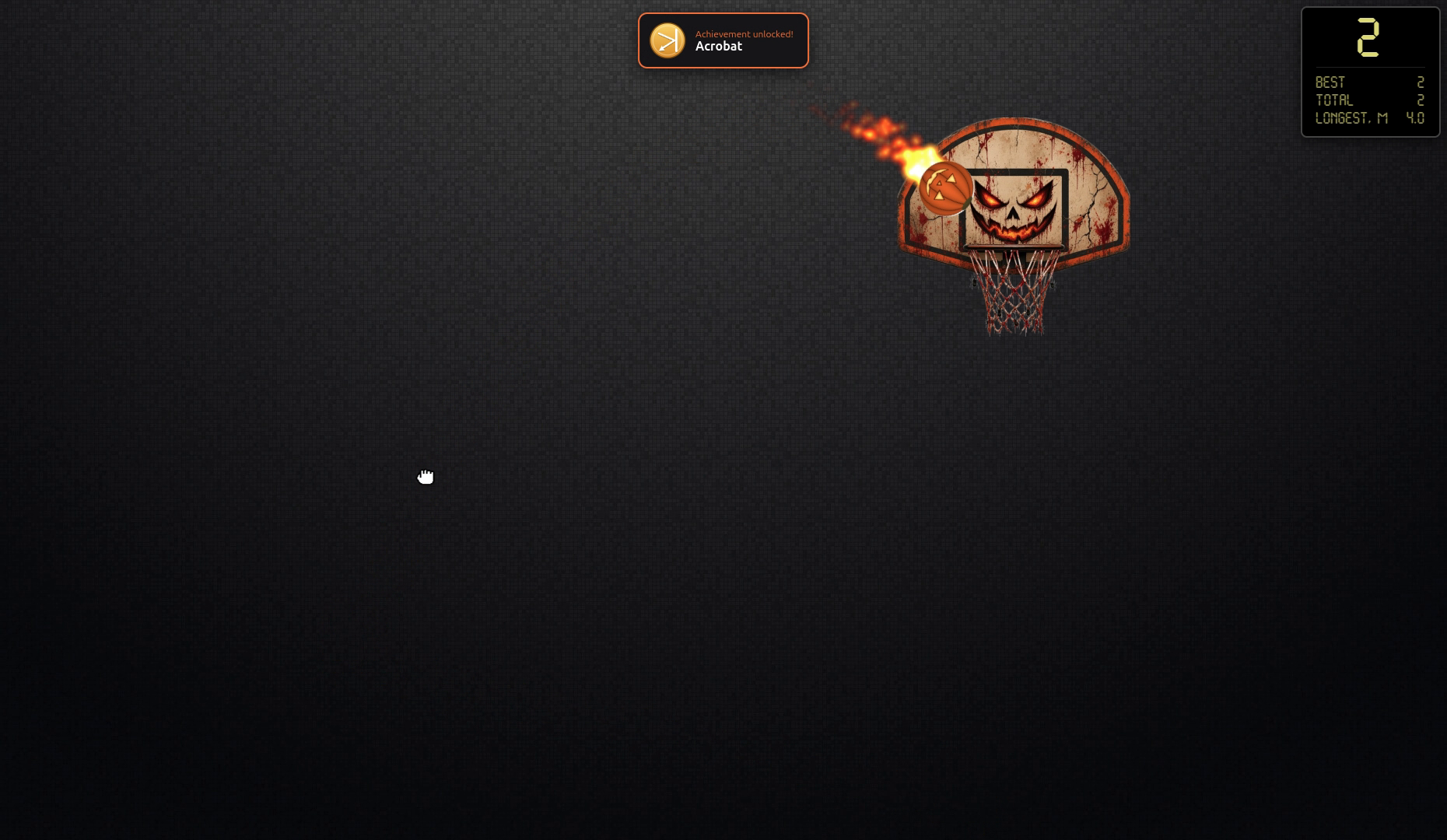
- 6 hoops and 6 balls, each ball with its own weight and bounce: basketball, soccer, volleyball, tennis, a bowling ball and a pumpkin that burns in flight
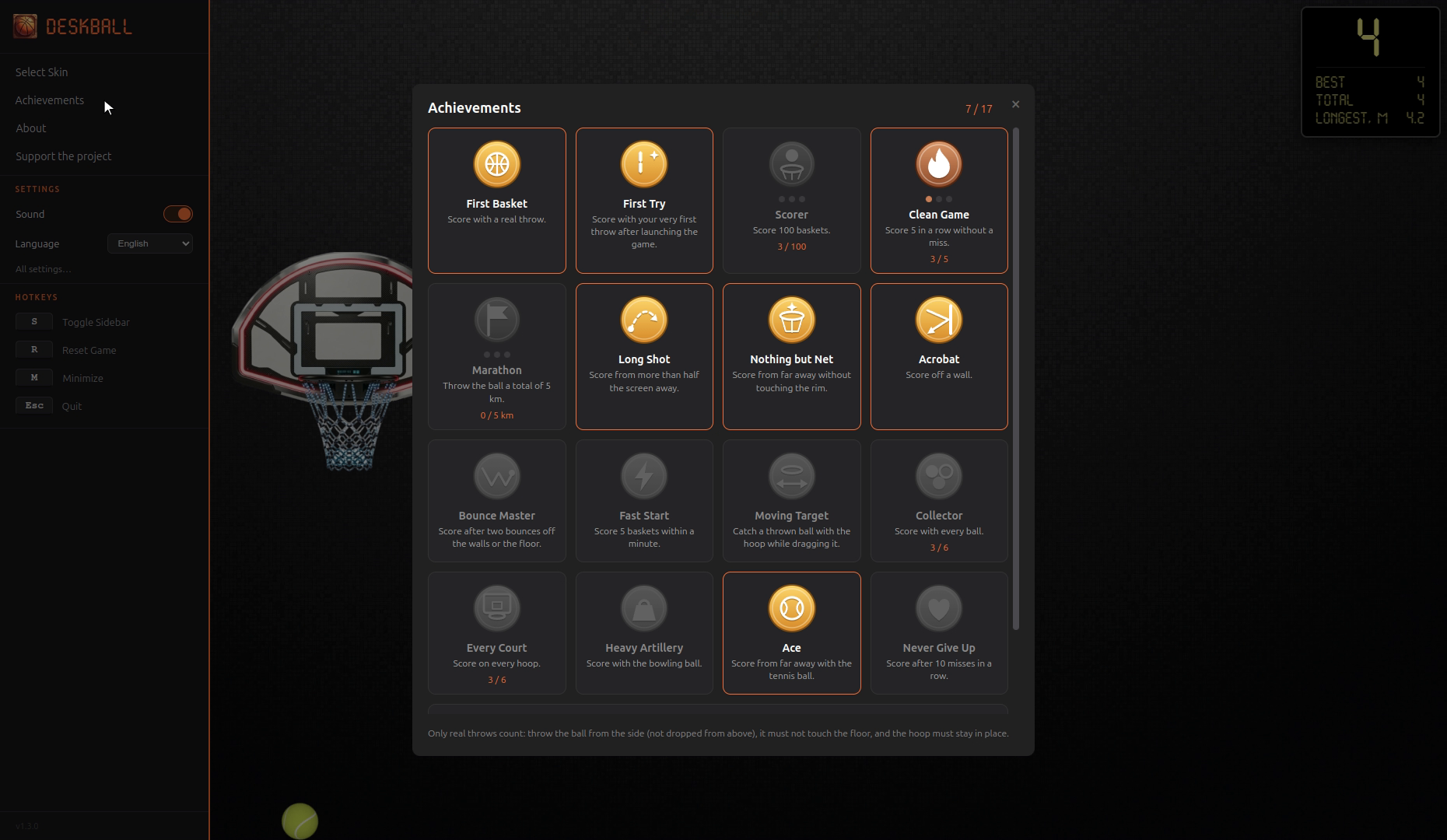
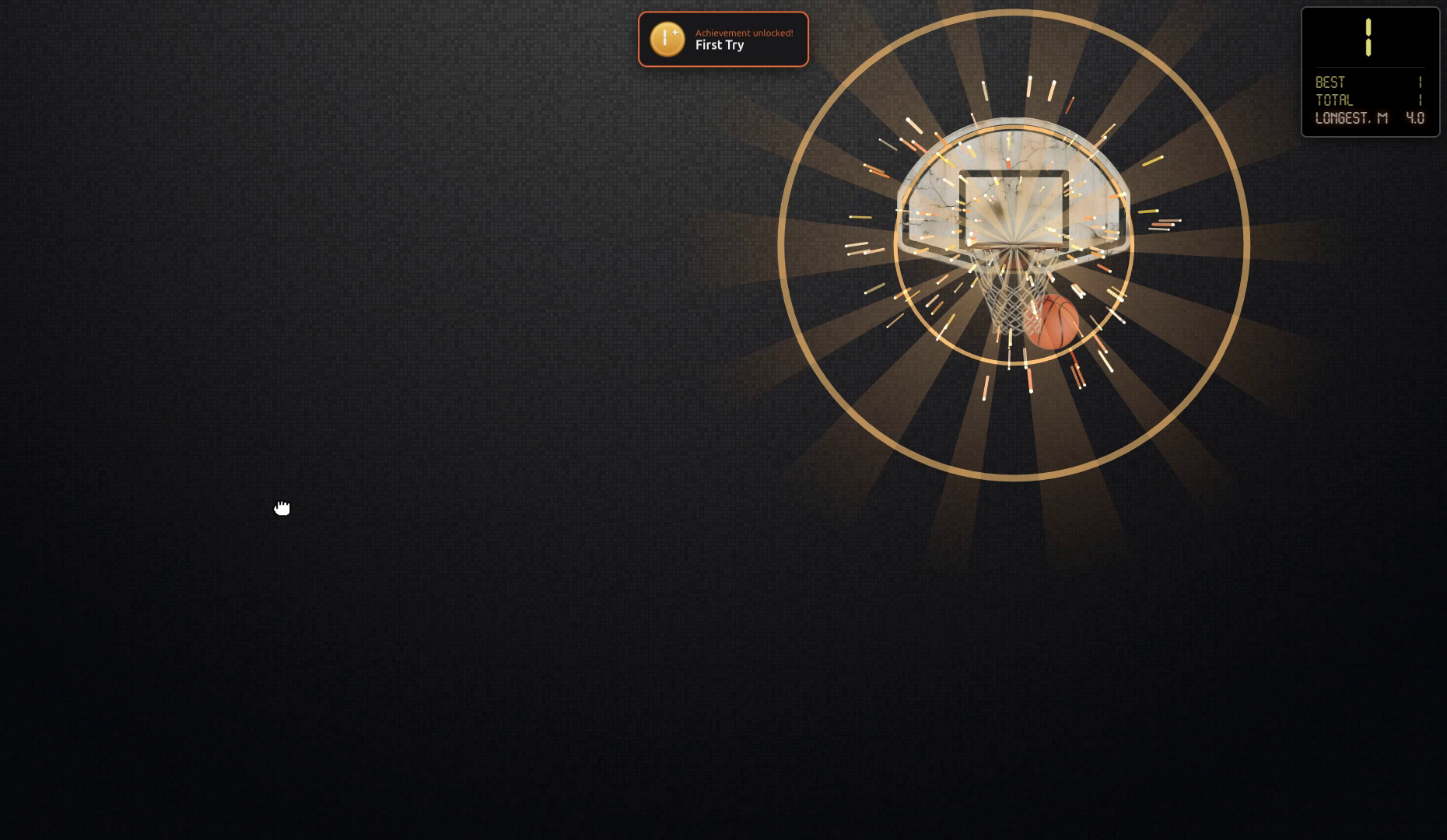
- 17 achievements — only real throws count
- A burst of sparks for a long shot, and your longest basket on the scoreboard, in metres
- Scoreboard with your all-time best and total goals
- Drag the hoop and the scoreboard anywhere on the screen; with several monitors, choose the one you want
- Settings window: volume, effects, progress reset
- Lightweight — practically no CPU use while the ball is resting
- No internet connection, no ads, no data collection
- 7 languages: English, Русский, 中文, Deutsch, Français, Español, Português (BR)
Controls
- Drag and release the ball to throw it
- Drag the hoop to move it, right-click it for the menu
- S — menu and settings · R — reset score · M — minimize to the tray · Esc — quit
Install
- Windows: portable .exe, no installation needed. Windows SmartScreen may show a warning because the app isn't code-signed — click "More info" → "Run anyway".
- Linux: AppImage. Make it executable (
chmod +x Deskball-*.AppImage) and run it.
Feedback and bug reports: deskball.flying286@slmail.me
Download
Install instructions
Windows
- This is a portable app — no installation needed, just run
Deskball-1.3.0.exe. - Windows SmartScreen may show a warning because the app isn't code-signed: click More info → Run anyway.
Linux
- Make the AppImage executable, then run it:
chmod +x Deskball-1.3.0.AppImage && ./Deskball-1.3.0.AppImage - Or: right-click the file → Properties → Permissions → allow executing as a program.
- No extra libraries are needed on most modern distributions.
Development log
Leave a comment
Log in with itch.io to leave a comment.